Travel Itinerary Template: How to Build Your Trip Plan Step by Step
A step-by-step travel itinerary template: the right order to plan, how to group saved places by day, and common mistakes to avoid.
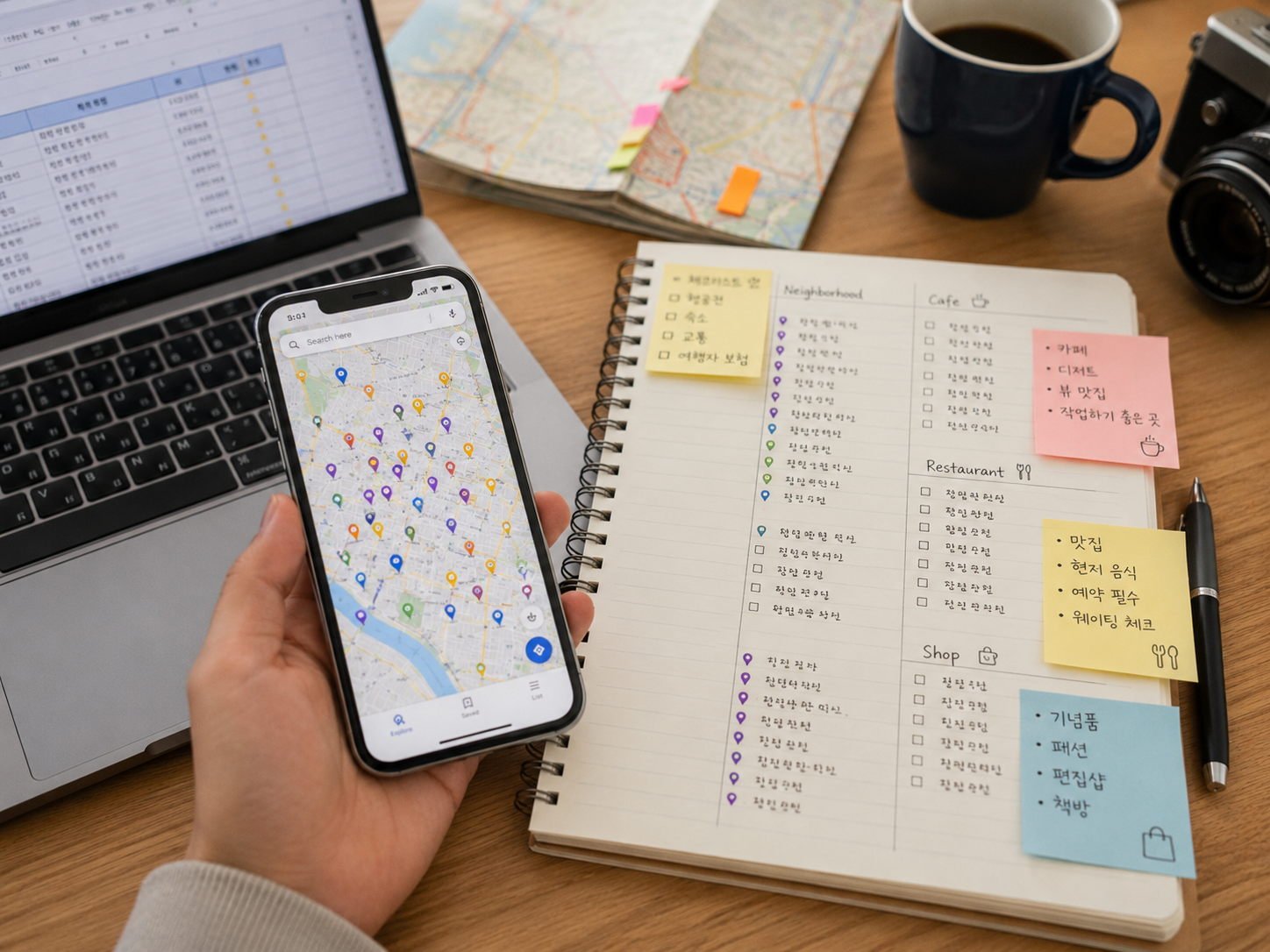
Building a travel itinerary feels straightforward until you actually try to do it. You have dozens of Google Maps saves, a folder of Instagram bookmarks, and scattered notes from travel blogs. Getting all of that into a workable day-by-day plan is where most people get stuck.
The Right Order to Build an Itinerary
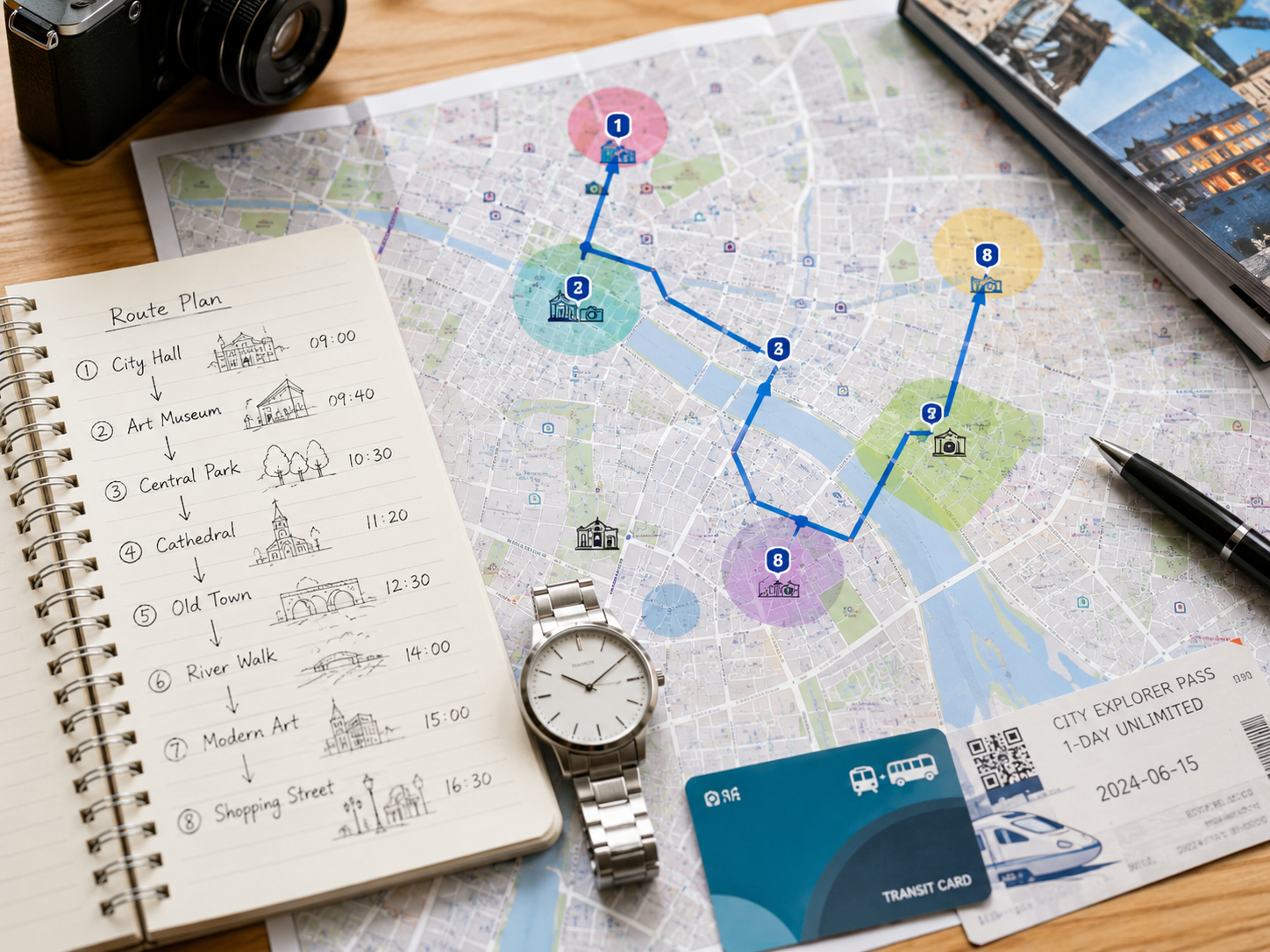
The order you build your itinerary matters more than the tool you use. Start by confirming total trip days and dividing them into broad regions — not individual places. For a 4-night Osaka trip, for example: Day 1 is arrival and nearby exploration, Days 2–3 are core Osaka sights, Day 4 is a Kyoto day trip, and the final morning is a buffer before departure.
Only after you've set the regional structure should you fill in specific places. Going the other direction — listing places first and then trying to assign them to days — almost always produces a route with unnecessary backtracking.
Turn your saved places into a day-by-day itinerary
Organize places by day in Travplan and manage your route and trip preparation in one place.
Travel Itinerary Template Structure
| Element | What to Include | Planning Tip |
|---|---|---|
| Date / Day | Day 1, Day 2 … | Lock in total nights before anything else |
| Region / Movement | Osaka → Kyoto | Keep day-trips as standalone days |
| Morning | Fushimi Inari | Hit major spots early to avoid crowds |
| Lunch | Gion restaurant | Pick a spot along your travel direction |
| Afternoon | Gion, Yasaka Shrine | Group walkable spots together |
| Dinner | Ichiran Ramen | Choose somewhere near your return path |
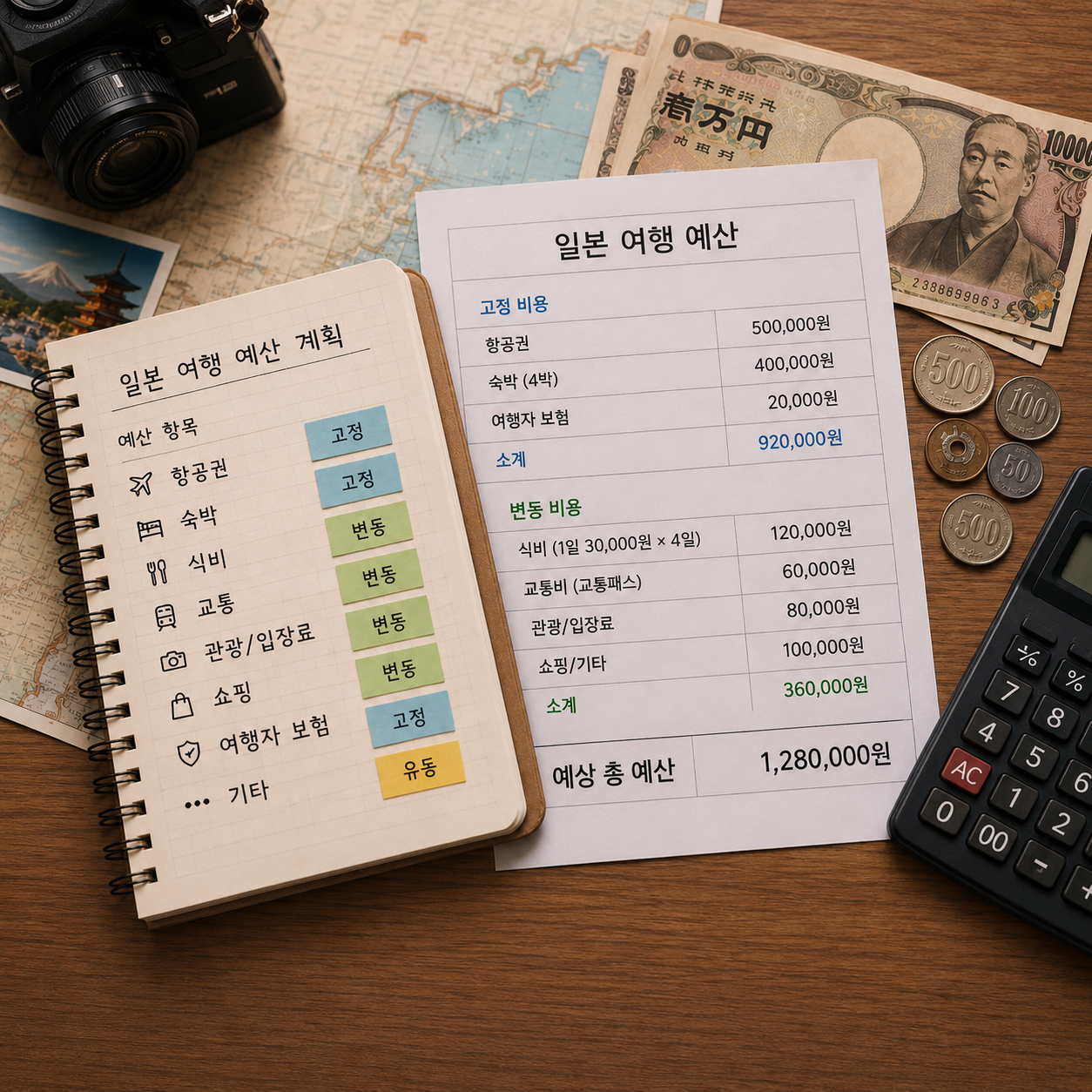
| Daily Budget | ~$45/person | Sum of entry fees + transport + meals |
The Problem When You Transfer Saved Places to a Schedule
When you start moving Google Maps saves into your itinerary, distance problems appear. That ramen spot you saved might be 40 minutes from your hotel. Two attractions you planned for the same afternoon might be in opposite directions. Saved places don't come with any spatial logic — you have to impose it yourself.
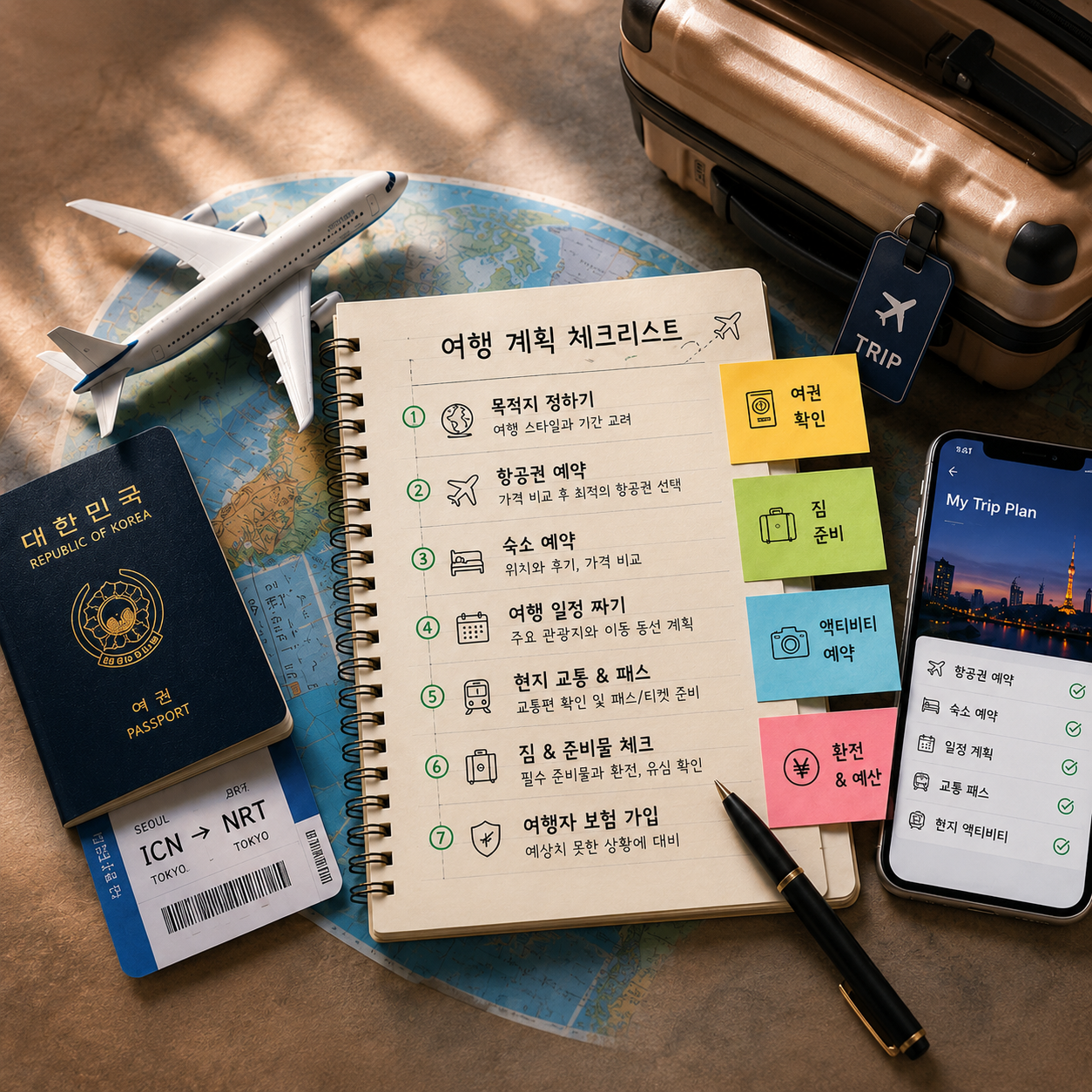
Pre-Planning Checklist
The Format Doesn't Matter — the Structure Does
Whether you use a spreadsheet, Notion, a notes app, or a travel planner, the structure you need is the same: date by time-of-day. 'Day 3 morning: A → lunch: B → afternoon: C → dinner: D' gives you a flow you can follow on the ground without constantly searching. Travplan lets you arrange saved places by day on a map, so you can see your route before you travel and fix conflicts early.
Without an itinerary, you spend real time during your trip searching for things you already researched. That's the hidden cost of not planning.