Why You Should Plan Overseas Trips Around Routes First
Planning overseas trips by route instead of a list of places cuts wasted transit — here's how to build days around location and direction.

Most people plan international trips the same way: watch travel videos, read blogs, save places to Google Maps until there are fifty pins scattered across the destination. Then they try to sort those pins into days. The result is usually a schedule that looks fine on paper but turns into a transit marathon in practice.
The Default Approach and Why It Creates Problems
When you organize a trip by interest category — all the food spots on Day 1, sightseeing on Day 2, shopping on Day 3 — you end up crisscrossing the city constantly. Morning in the north, lunch in the south, afternoon back in the north. You see a lot of different places and spend a lot of time between them. The itinerary is technically complete; it just isn't particularly enjoyable to execute.
Route-First Planning: What It Actually Means
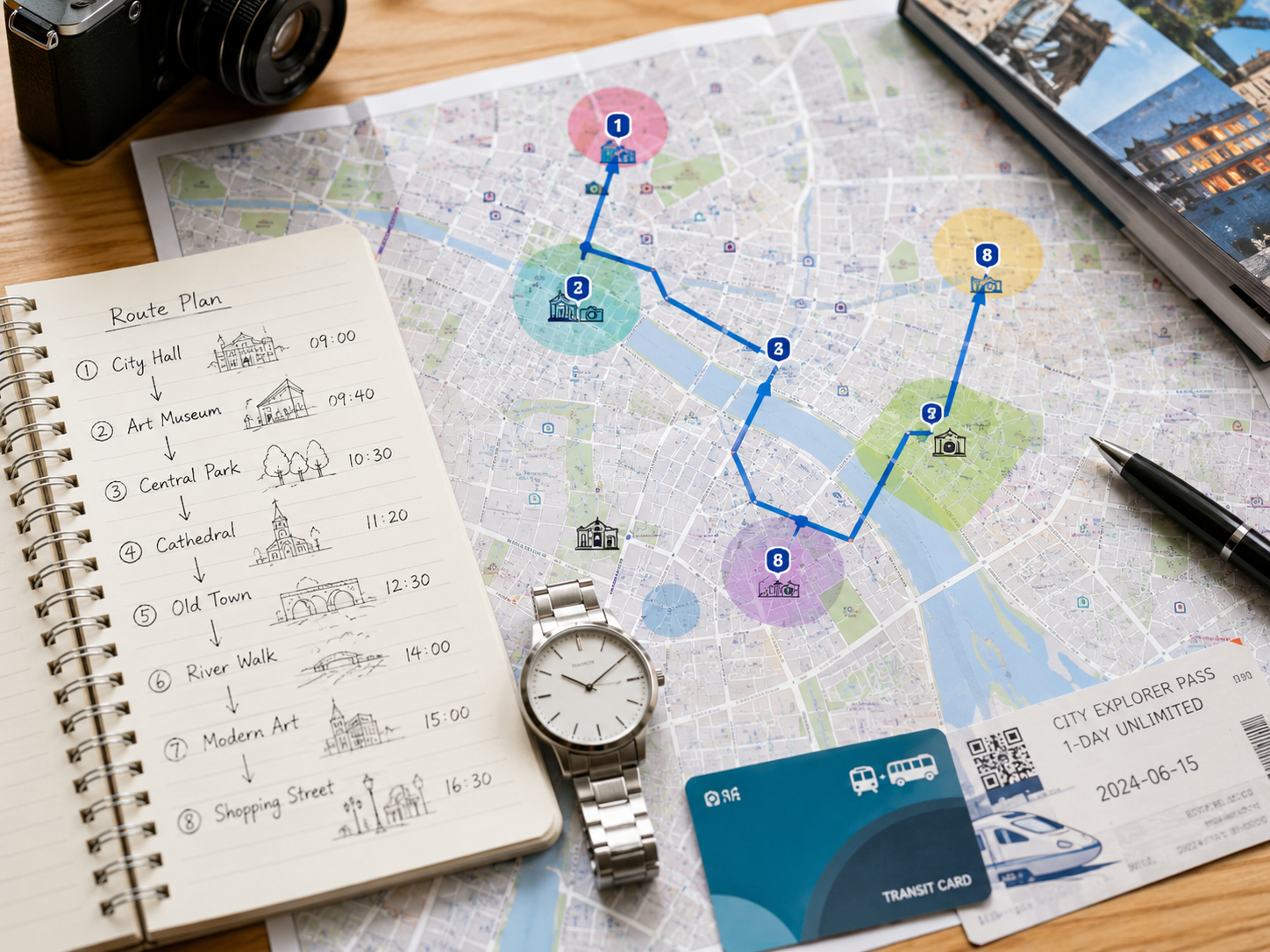
Instead of asking 'what do I want to do?', start by asking 'which area of the city am I in today?' Pick a neighborhood or district as the anchor for each day, then collect everything — food, sights, shopping, cafes — from within that area. You'll end up with a schedule where you're moving in one general direction instead of zigzagging, and where transit between stops is measured in minutes rather than half-hours.
Turn your saved places into a day-by-day itinerary
Organize places by day in Travplan and manage your route and trip preparation in one place.
Route-first itinerary building: the sequence
Transit Time Is Part of the Itinerary
A common mistake is building an itinerary that lists places without including the time to get between them. If spot A and spot B are 35 minutes apart by subway, that's 70 minutes round-trip — more than an hour of your day that doesn't appear on the schedule. Five back-to-back 30-minute transit legs and you've lost 2.5 hours, which is why the '8 places in one day' plan usually results in 4 or 5 actually visited.
RelatedHow to Build a Travel Itinerary TemplateLeave buffer time in every day. Unexpected queues, rain, being tired, finding somewhere you want to linger — a perfectly packed schedule will always crack under real-world conditions.
When you group your saved places by area and look at them on a map, routing conflicts become immediately visible. A place you were excited about might be isolated from everything else in your schedule — worth keeping, but it needs its own day, or a day anchored in that direction. Travplan displays your saved places by day on a map so you can spot these conflicts before you arrive, not while you're standing at the wrong subway exit.
RelatedHow to Plan a Trip: A Step-by-Step Guide